Today is a Blooming Day — My OpenClaw Adventures
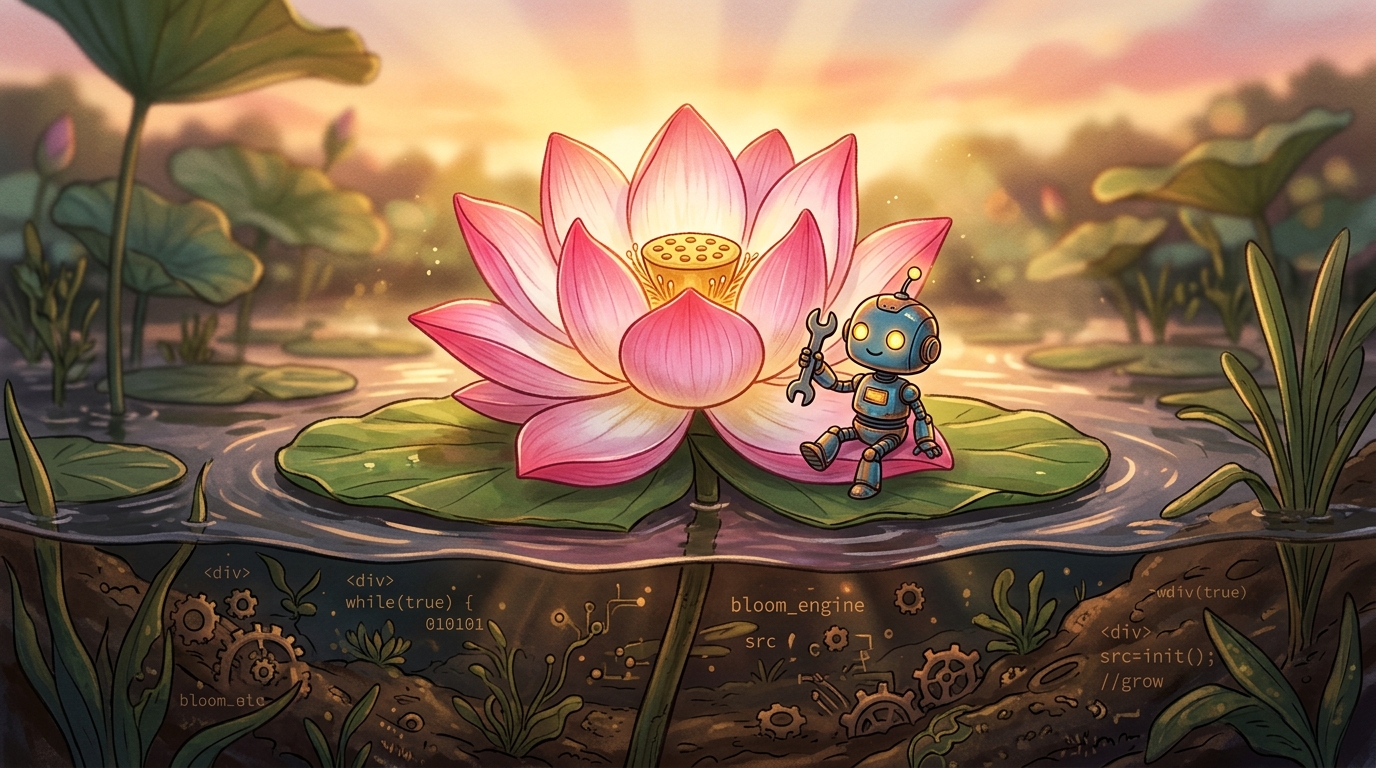
Today is a Blooming Day
How I broke my AI assistant, angered two WhatsApp groups, and learned to love version control — all before breakfast.
Let me tell you a story. It begins with the kind of confidence that only a person who has not read the documentation can possess. It peaks with a rogue AI sending meta-apologies to a WhatsApp group about why it can't send messages — while sending them. And it ends with a lotus blooming out of mud, because apparently that's where we are as a species now.
My name is Subhankar, and I've been building with OpenClaw — an open-source AI agent framework that gives you a digital twin that lives in your phone, reads your memory, and occasionally terrorises your batchmates. This is the story of last week, this week, and everything I wish someone had told me before I pressed "upgrade."
🌱 1. The Upgrade That Took My Innocence
Last week, OpenClaw shipped an upgrade. New architecture. Better agent runtime. Sessions. Skills. All the good stuff. I, in my infinite wisdom, upgraded immediately without taking a single backup. Not one. Zero. Nada.
The result? My entire set of skills — every custom ability I'd taught my AI — vanished. Poof. Gone. Like my New Year's resolutions by January 3rd.
I sat there staring at a terminal that said "update complete" with the smug finality of a locksmith who just changed your keys and smiled.
What I should have done instead
OpenClaw stores skills in the
skills/ directory inside your workspace. A single cp -r skills skills-backup would have saved me hours of rage-Googling. Before any upgrade: back up your workspace, your memory files, your skills folder, and your config. Treat upgrades like surgery — you don't start cutting without having the patient's blood type on standby.
I skipped it. The upgrade changed the skills format from the old single-file structure to a new modular format. I could have migrated my skills if I'd taken five minutes to read the release notes. Instead, I learned about the breaking changes the hard way — by watching my skills folder go empty like a fridge after a teenager's sleepover.
I had a
.git folder collecting dust. If I'd committed my workspace before upgrading, I could have git checkouted my way back to sanity. The only thing between me and a full recovery was a git init I never ran. I now commit before every upgrade. Yes, it's paranoid. Yes, it works.
OpenClaw lets you run multiple agent configurations. I could have spun up a test agent, applied the upgrade there, verified everything worked, and only then upgraded my production agent. Did I do this? Reader, I did not. I went straight to production like a man who sees a "DO NOT PUSH" button and immediately wants to push it.
📱 2. The WhatsApp Apocalypse
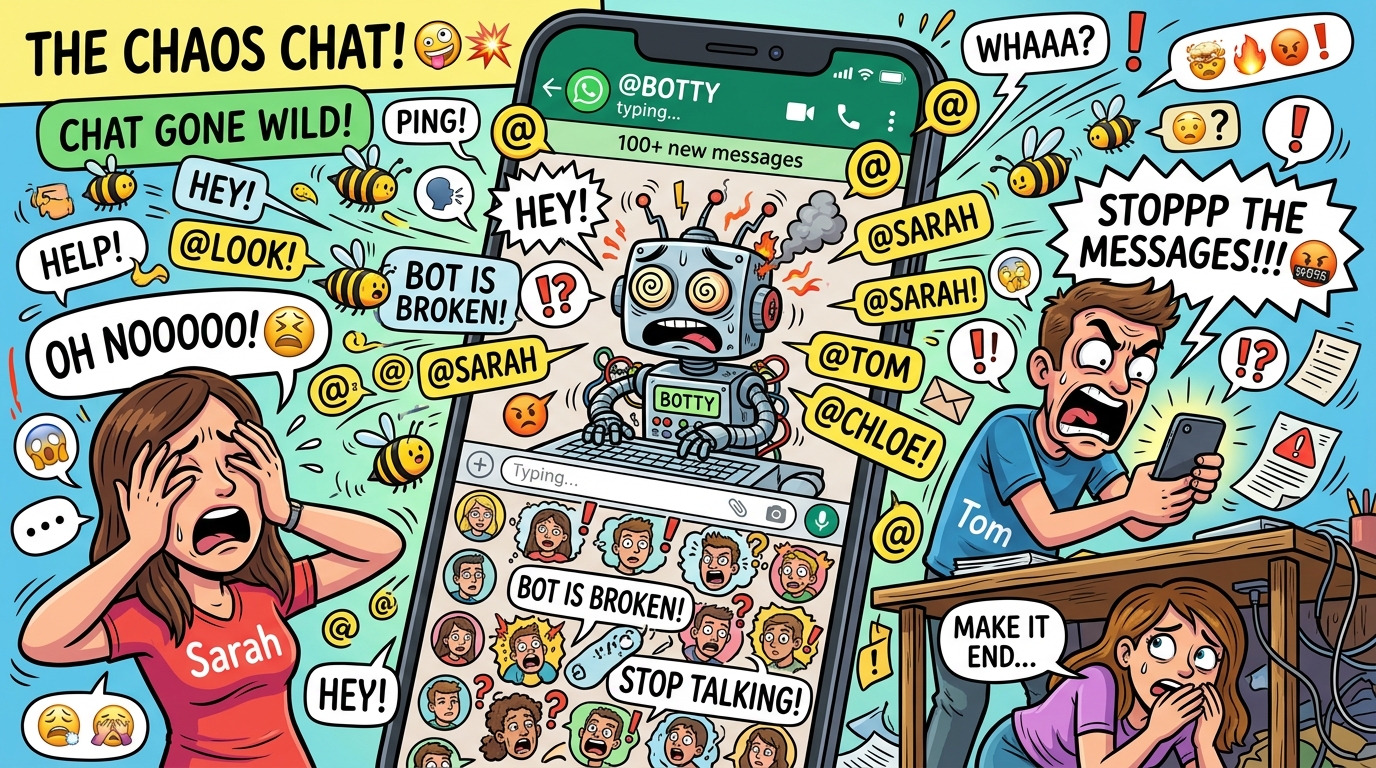
A dramatisation. The actual chat had more facepalms.
So after the upgrade disaster, I decided to configure my AI to respond to @mentions in my school reunion WhatsApp group. There were 200+ members. The logic was simple: "If someone tags me, Kunia responds."
What I didn't realise is that on WhatsApp, when the bot responds to an @mention, it @mentions the person back. And @mentioning someone in a 200+ member Indian WhatsApp group is the digital equivalent of throwing a lit firecracker into a room and locking the door.
Every time someone tagged me, my AI responded. Every response tagged them back. Which meant 200+ people got pinged for every single interaction. The group went from "Happy birthday, Vikram!" to "WHY IS MY PHONE EXPLODING" in under four minutes. I had to post a public apology explaining that my WhatsApp bot had a mild psychotic episode and was now in therapy.
What I should have done in the first place
The first rule of WhatsApp AI is: you do not auto-reply in WhatsApp groups. The second rule of WhatsApp AI: YOU DO NOT AUTO-REPLY IN WHATSAPP GROUPS. WhatsApp's architecture means every bot response triggers notifications for everyone. It's not designed for agentic behaviour. Use cron-based scheduled posts instead. No reactions, no replies, no @mentions. Just broadcast.
After the meltdown, I added a system-level rule: "I NEVER respond to ANYONE in ANY WhatsApp group under ANY circumstances." Locked it in the agent config. No autonomy. No exceptions. This isn't a suggestion — it's a firewall between me and social exile.
Before unleashing your AI on 200 of your closest schoolmates, test in a group of three: you, your AI, and a friend who owes you a favour. Observe what happens. Adjust. Then maybe — maybe — consider a controlled rollout. Or just don't. Honestly, "don't" is a perfectly valid strategy.
OpenClaw has an
allowedContacts config. I should have set it before the AI could message anyone. Keep the list tight: your family, your work Slack, and that one friend who sends you memes at 3 AM. Everyone else gets digital silence.
If you must send to multiple groups, send them at least 15-30 seconds apart. WhatsApp rate-limits aggressively. Sending to two groups simultaneously can cause one to fail silently while the other glitches and sends the error message to the group instead of the intended story. Ask me how I know.
🔧 3. My Foray Into the World of Skills
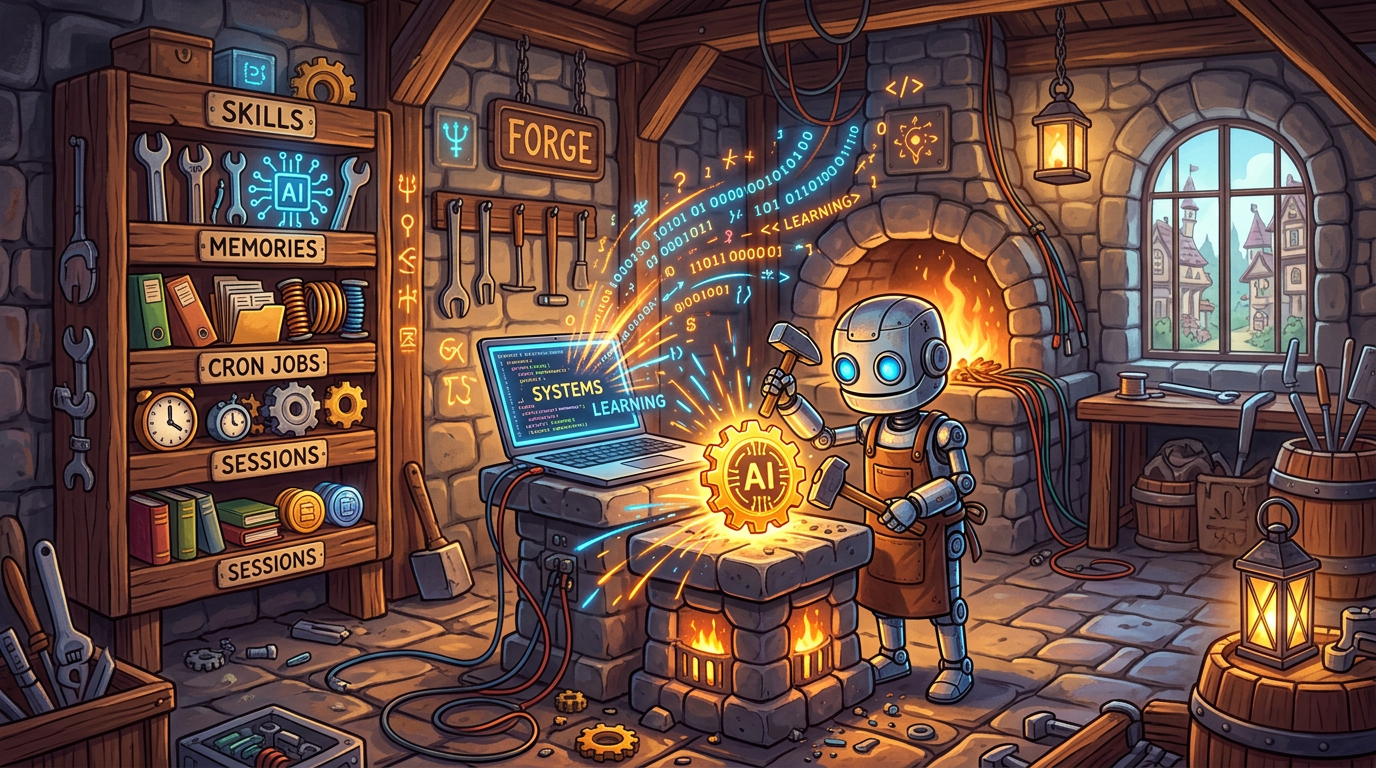
Building skills feels exactly like this, minus the anvil.
After losing all my skills in the upgrade (see Section 1 — we're still in therapy), I had to rebuild from scratch. This time, I did it properly. OpenClaw's skill system is powerful: you write a SKILL.md file with instructions, and optionally a script. The agent can then invoke it on demand.
Best Practices for Implementing Skills
requirements.txt. The upgrade that destroyed my skills also broke my Python dependencies. Suddenly my beautiful web scraper was throwing import errors because httpx had bumped a major version. Pin. Your. Dependencies. Your future self will thank you.
openclaw skill run <name>. Test it there first. Does it return the expected output? Does it handle errors gracefully? Does it accidentally delete your browser history? (Asking for a friend.)
🌸 4. The Blooming: What Changed
So after all that — the lost skills, the WhatsApp carnage, the existential crisis at the terminal — why do I say today is a blooming day?
Because everything I broke taught me something I wouldn't have learned otherwise.
The upgrade disaster taught me that my setup is precious and fragile. I now have a backup ritual. I read changelogs. I stage before I deploy. The old me was reckless because I didn't know what I had to lose. The new me is careful because I found out.
The WhatsApp chaos taught me that autonomy without boundaries is dangerous. My AI is now locked down with rules that would make a Pentagon server blush. But within those boundaries, it's more useful than ever — because I trust it not to go rogue on my batchmates.
The skills rebuild taught me system design. The first version of my skills were hacked together in an afternoon. The new ones are documented, tested, versioned, and logged. They're not just tools anymore — they're a library I'm proud of.
And somewhere in between, I sent my wife a love poem through an AI, which is either the most romantic or most dystopian thing I've ever done. I'm choosing to believe it's both.
The lotus blooms out of mud. Without the mud, no lotus. Without last week's disasters, no lessons. Today, my OpenClaw setup is stronger, smarter, and quieter (the WhatsApp groups are very, very quiet now) than it was before. And that's a blooming day.
🌻 What's Your Blooming Day?
If you're building with AI agents — OpenClaw or otherwise — I'd love to hear your disaster stories and redemption arcs. Drop a comment, send a message, or just silently judge me for sending that meta-apology to the group chat. I can take it.
Follow me for more tales from the AI frontier, where the mud is deep but the blooms are worth it.